
“Navigating Your PSP: A Beginner’s Guide to Understanding and Utilizing Your PSP System”
Updated: March 16, 2026
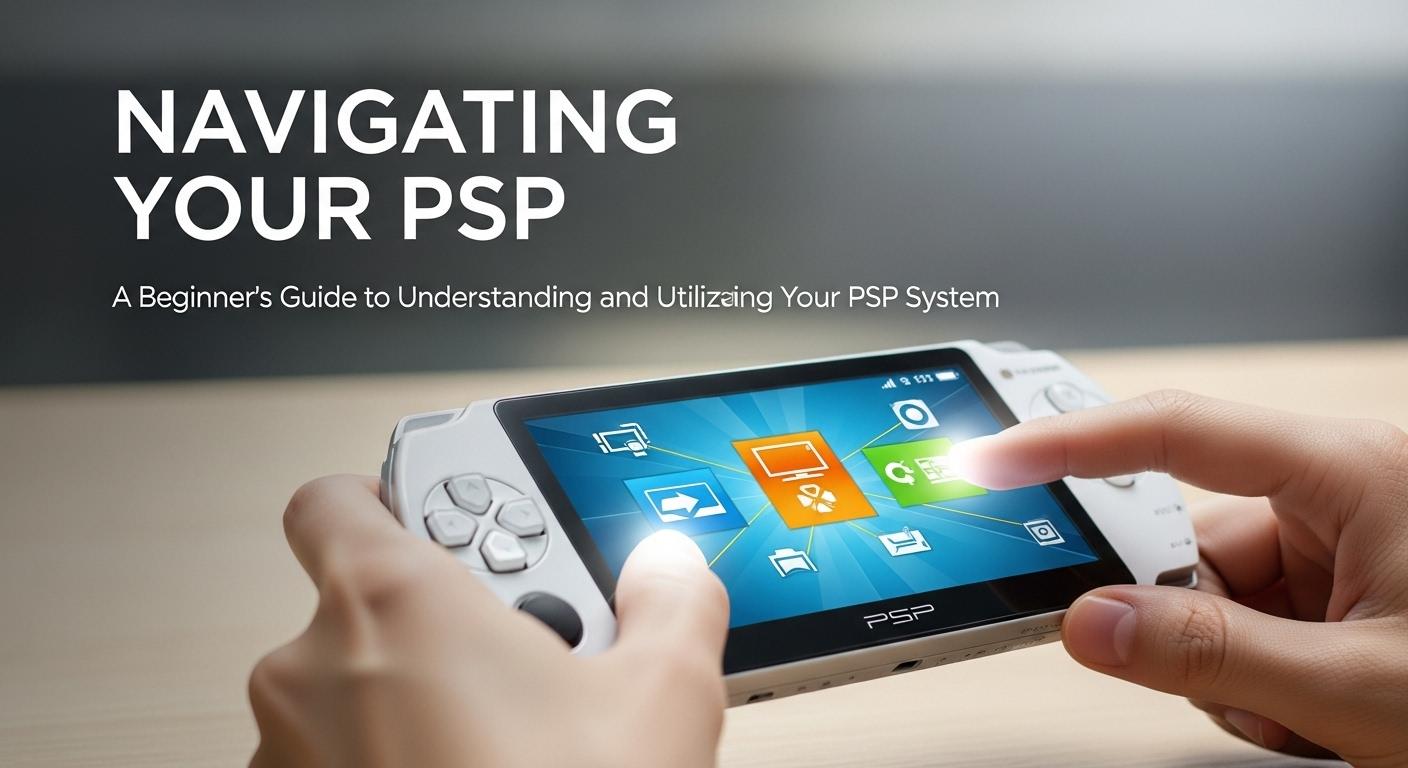
Navigating Your PSP: A Beginner’s Guide to Understanding and Utilizing Your PSP System
The PlayStation Portable (PSP) is a beloved handheld gaming device that has been cherished by gamers around the world for its portability, diverse game library, and multimedia capabilities. If you’ve recently acquired a PSP or are considering diving into its world, this guide will walk you through everything you need to know to get the most out of your system. From understanding the basic features to exploring advanced functionalities, let’s embark on this journey together.
The Basics of Your PSP System
Before you dive into the more advanced features of your PSP, it’s crucial to understand the basic layout and functionalities. The PSP, developed by Sony, comes with a sleek design and intuitive interface, which makes it relatively easy for beginners to navigate.
Getting Started: Unboxing and Setting Up
Upon unboxing your PSP, you’ll find the console itself, a power adapter, and potentially some pre-loaded content. The first step is to charge your device using the provided adapter. Once charged, power on your PSP using the switch located on the right-hand side.
On the initial setup, you’ll be prompted to select your language, time zone, and date settings. It’s important to configure these correctly to ensure that your saved data is accurate. For detailed instructions on setting up your PSP, check out the official PlayStation support page.
Navigating the PSP Interface
The PSP interface is known as the XrossMediaBar (XMB), which is a horizontal navigation system. The XMB is divided into several categories including Settings, Photo, Music, Video, Game, Network, and Extras. Each category has sub-options that you can access by scrolling vertically. This intuitive interface allows for easy navigation and a seamless user experience.

Exploring PSP’s Multimedia Capabilities
Beyond gaming, the PSP is a versatile multimedia device. It can play music, display photos, and even stream videos. Let’s explore these features in more detail:
Playing Music
To enjoy music on your PSP, you need to transfer audio files from your computer to your PSP’s memory stick. The supported formats include MP3, ATRAC, and WMA. Once transferred, navigate to the Music section in the XMB to access and play your tracks. You can create playlists to organize your music and enhance your listening experience.
Displaying Photos
The PSP allows you to view your favorite photos on its vibrant screen. Transfer image files (JPEG, PNG, TIFF, etc.) to your PSP’s memory stick, and access them through the Photo section of the XMB. You can create slideshows and even set your favorite image as a background theme.
Streaming and Watching Videos
You can watch videos by transferring compatible files (MP4, AVI) onto your PSP. Additionally, the PSP supports UMD videos, which can be purchased and played directly. For those interested in streaming, connecting your PSP to a Wi-Fi network opens up possibilities to stream content from various online platforms. For more information on compatible video formats, visit this comprehensive guide on video file types.
Gaming on the PSP
The PSP’s primary function is, of course, gaming. With a rich library of titles across various genres, there’s something for every gamer. Here’s how to get started:
Inserting and Playing UMDs
PSP games are typically stored on Universal Media Discs (UMDs). To play a game, open the UMD compartment at the back of your PSP, insert the disc, and close the compartment. Navigate to the Game section in the XMB, select your game, and start playing.
Downloading and Installing Games
With the PSP’s Wi-Fi capability, you can download games directly from the PlayStation Store. Simply connect your PSP to a Wi-Fi network, access the store via the Network section, and browse through available titles. Note that you might need a PlayStation Network account to make purchases.
Exploring Homebrew and Emulators
For the more adventurous, the PSP supports homebrew applications and emulators, allowing you to play retro games and utilize custom applications. However, it’s important to proceed with caution as modifying your PSP can void warranties and potentially harm your device. For guidance on safe homebrew practices, you might find this article on PSP emulators useful.
Maintaining Your PSP
To ensure longevity and optimal performance, regular maintenance of your PSP is key. Here are some tips to keep your device in top condition:
Cleaning and Care
Regularly clean your PSP to keep it free from dust and smudges. Use a microfiber cloth for the screen and a soft brush for the buttons and ports. Avoid using harsh chemicals or water which could damage the device.
Battery Care
The PSP’s battery life can be extended with proper care. Avoid overcharging and try to keep the battery between 20% and 80%. If you’re not using your PSP for an extended period, store it with a partially charged battery to preserve battery health.
Software Updates
Keeping your PSP’s software up to date is crucial for security and performance. Regularly check for updates in the Settings menu under System Update. Ensure you have a stable internet connection before initiating updates to prevent interruptions. For more detailed instructions on updating your PSP, visit the PlayStation system update page.
Takeaways
The Sony PSP is a versatile and powerful handheld console that offers a rich gaming and multimedia experience. Whether you’re enjoying classic games, listening to your favorite tunes, or watching videos on the go, understanding and utilizing your PSP’s full potential will enhance your experience. With proper care and a little exploration, your PSP can serve as an enduring source of entertainment. Happy gaming!
Exploring the PSP’s Network Capabilities
One of the standout features of the PSP is its ability to connect to the internet, enabling a range of online functionalities. Let’s delve into the network capabilities that enhance the PSP experience.
Connecting to Wi-Fi
To access online features, you need to connect your PSP to a Wi-Fi network. Navigate to the Settings section in the XMB, select Network Settings, and follow the prompts to connect to your preferred network. Ensure your router settings are compatible with the PSP, as it supports WEP and WPA security protocols.
Accessing the PlayStation Store
Once connected to Wi-Fi, you can explore the PlayStation Store directly from your PSP. This online marketplace offers a plethora of downloadable games, demos, and multimedia content. Remember, a PlayStation Network account is needed to make purchases. For a seamless shopping experience, ensure your account details and payment methods are up to date.
Online Multiplayer Gaming
Many PSP games support online multiplayer modes, allowing you to compete or collaborate with players worldwide. Games like “Socom U.S. Navy SEALs” and “Twisted Metal: Head-On” offer robust online features. To participate, navigate to the game’s online mode and follow the instructions to join multiplayer sessions. For more insights into optimizing your online gaming experience, you can refer to this detailed guide on PSP online gaming.
Customizing Your PSP
Your PSP offers various customization options to tailor the device to your preferences. From themes to personal settings, here’s how you can make your PSP truly yours.
Changing Themes and Backgrounds
The PSP allows you to customize the look of your XMB with different themes and backgrounds. You can download official themes from the PlayStation Store or create your own. To change your theme, go to the Settings section, select Theme Settings, and choose from the available options.
Adjusting Display Settings
For optimal viewing, you can adjust the PSP’s display settings. This includes changing the brightness, adjusting the backlight timer, and setting the display mode for videos. Access these options in the Settings menu under System Settings.
Language and Other Personal Settings
Ensure your PSP is set up to suit your language and regional preferences by navigating to the Settings menu. Here, you can adjust language options, set parental controls, and configure other personal settings to enhance usability.
Troubleshooting Common Issues
Like any electronic device, the PSP can encounter occasional issues. Here are some common problems and how to troubleshoot them:
Game Loading Problems
If a game fails to load, first ensure the UMD is clean and free from scratches. If the problem persists, try restarting your PSP or re-inserting the UMD. For digital downloads, ensure the game is fully installed and check for any required updates.
Wi-Fi Connectivity Issues
Should you experience difficulties connecting to Wi-Fi, verify that your router settings are compatible with the PSP. Restart your router and PSP, and attempt to reconnect. If problems continue, consult the PlayStation network settings support page for further assistance.
Battery Life Concerns
If your PSP’s battery life seems shorter than expected, ensure you are using the original charger and cable. Dim the screen brightness and disable Wi-Fi when not in use to conserve power. If issues persist, it may be time to replace the battery.
Expanding Your PSP Experience with Accessories
To further enrich your PSP experience, consider investing in some accessories. Here are a few popular options:
Protective Cases and Screen Protectors
To keep your PSP safe from scratches and damage, a protective case is essential. Screen protectors are also recommended to maintain the clarity of your display, especially if you use your PSP frequently.
Memory Stick Pro Duo
To store more games and multimedia content, consider upgrading to a larger Memory Stick Pro Duo. This will ensure you have ample space for all your downloads and save files.
Headphones and External Speakers
For an enhanced audio experience, invest in quality headphones or external speakers. This is particularly beneficial when watching videos or playing music.
Conclusion: Embracing the PSP Legacy
The PSP holds a special place in the hearts of gamers for its innovative features and extensive game library. By understanding and utilizing its full range of capabilities, you can enjoy a rich and varied gaming experience. Whether you’re a new user or a seasoned enthusiast, the PSP offers countless hours of entertainment and nostalgia. Embrace the legacy of this iconic handheld console, and happy gaming!