
“Navigating Your PSP: A Beginner’s Guide to Understanding and Utilizing Your PSP System”
Updated: March 16, 2026
Navigating Your PSP: A Beginner’s Guide to Understanding and Utilizing Your PSP System
The PlayStation Portable (PSP) is a remarkable handheld gaming device that has captured the hearts of gamers worldwide. Whether you’re a newcomer to the world of PSP or someone looking to maximize the potential of your existing device, this comprehensive guide will walk you through everything you need to know about navigating and utilizing your PSP system. From understanding the basic features to mastering advanced functionalities, let’s dive into the world of PSP.
Introduction to the PSP System
Released by Sony in the mid-2000s, the PSP was a groundbreaking device that brought console-quality gaming to the palm of your hands. With its vibrant screen, robust processing power, and a vast library of games, the PSP quickly became a favorite among gamers. Understanding the core features of the PSP is crucial for any user looking to get the most out of their device.
Getting Started with Your PSP
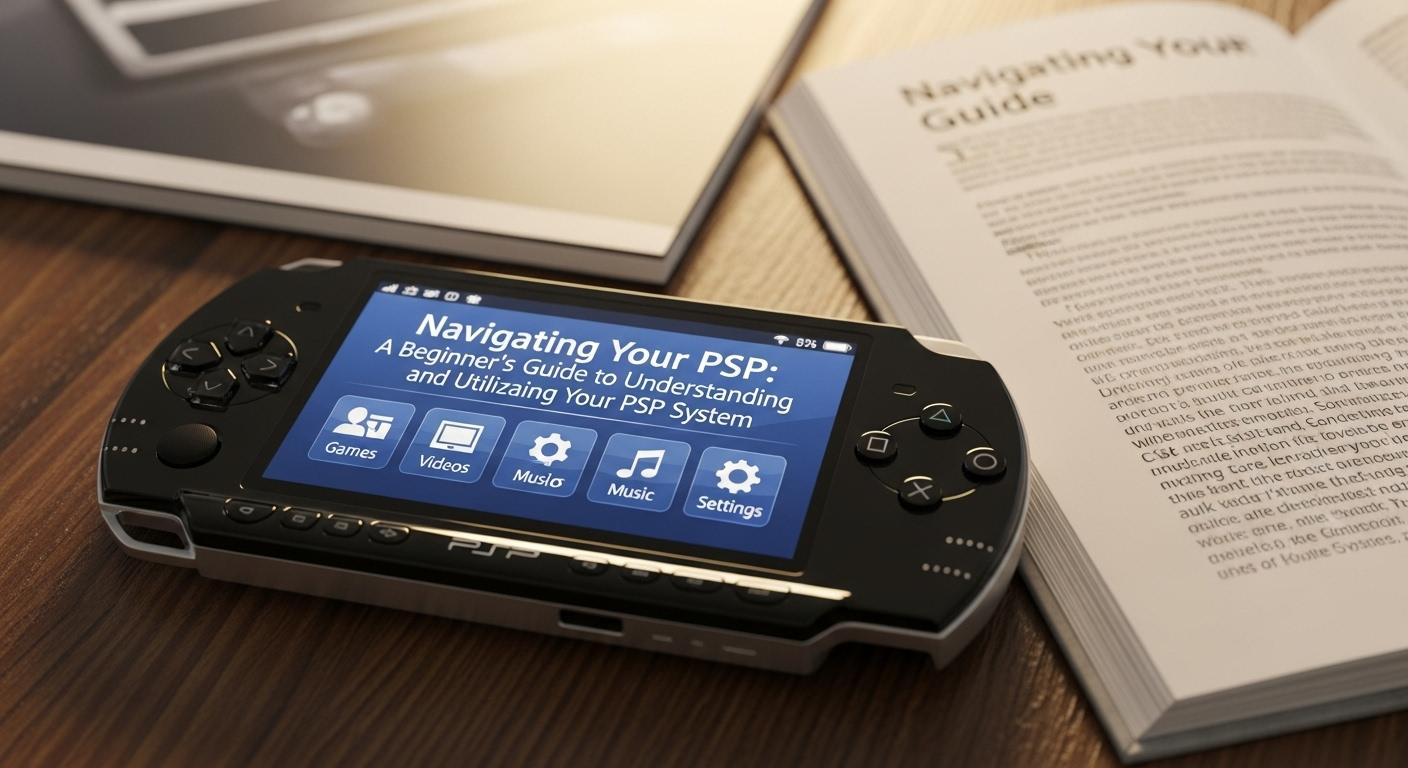
Upon unboxing your PSP, you’ll notice a sleek design with intuitive controls. The first step is to charge your device fully before diving into the setup. Once powered on, you can navigate through the main menu using the directional pad. The home screen provides access to various functions including games, music, and settings.
Understanding the PSP Menu Structure
The PSP menu is divided into several categories:
- Games: Access your installed games and explore new titles.
- Music: Play your favorite tracks stored on the device.
- Videos: Watch movies and video clips.
- Photos: Browse through images saved on your PSP.
- Settings: Customize system settings to suit your preferences.

Each category is self-explanatory, but exploring these options will give you a better understanding of what your PSP can offer.
Playing Games on Your PSP
The PSP’s primary allure is its gaming capability. With a diverse library of games ranging from action-packed adventures to intricate puzzles, there’s something for every gamer. To start playing, simply insert a UMD (Universal Media Disc) into the drive or download games directly from the PlayStation Store.
For those looking to expand their gaming experience, consider exploring retro gaming options. Several emulators and classic game collections are available, allowing you to play beloved titles from the past. For more information on retro gaming, visit Retro Gamer.
Connecting Your PSP to the Internet
One of the standout features of the PSP is its ability to connect to the internet. This functionality allows you to browse the web, download games, and even play online with friends. To connect, navigate to the ‘Settings’ menu, select ‘Network Settings’, and follow the prompts to set up a Wi-Fi connection.
Once connected, the PlayStation Store becomes a hub for downloading new content. Here, you can purchase games, themes, and even movies. Stay updated with the latest offerings by visiting PlayStation Store.
Customizing Your PSP Experience
Personalization is key to enhancing your PSP experience. The ‘Settings’ menu offers various customization options, including themes, wallpapers, and sound settings. You can download themes from the PlayStation Store or create your own using images stored on your device.
Additionally, organizing your games and media into folders can help keep your interface clean and easy to navigate. For a more in-depth guide on PSP customization, check out TechRadar.
Maintaining Your PSP
Proper maintenance ensures that your PSP continues to perform optimally. Regularly update the firmware to access new features and security updates. Cleaning the device with a soft cloth helps prevent dust and dirt buildup, which can affect performance.
Battery life is another important aspect. To prolong battery health, avoid overcharging and try to keep the battery between 20% and 80% charged. For more tips on maintaining your PSP, refer to WikiHow.
Exploring Multimedia Capabilities
Beyond gaming, the PSP is a versatile multimedia device. It supports various audio and video formats, allowing you to enjoy music and movies on the go. Transfer media files from your computer to your PSP using a USB cable or Memory Stick Duo.
For music lovers, creating playlists and organizing tracks by genre can enhance your listening experience. Movie enthusiasts can enjoy films on the go by converting videos to a PSP-compatible format using software like HandBrake.
The Future of PSP
While the PSP has been succeeded by newer models like the PS Vita, it remains a cherished device for many gamers. Its legacy lives on through an active community of enthusiasts who continue to develop homebrew applications and custom firmware.
For those interested in exploring the potential of these applications, numerous forums and communities offer resources and support. Engaging with these communities can bring new life to your PSP and open up a world of possibilities.
Takeaways
Navigating and utilizing your PSP system can be an enriching experience when you fully understand its capabilities. From gaming and multimedia to customization and maintenance, the PSP offers a well-rounded experience for users. Whether you’re a seasoned gamer or a newcomer, this guide provides the foundation for making the most of your PSP. Embrace the journey and discover the endless opportunities your PSP has to offer.
Advanced Tips for PSP Enthusiasts
For those who have mastered the basics, there are numerous advanced tips and tricks to further enhance your PSP experience. One popular avenue is exploring custom firmware. Custom firmware unlocks additional features not available in the official firmware, such as the ability to run homebrew applications and games not authorized by Sony.
Installing custom firmware requires a careful approach, as it involves modifying the system at a fundamental level. Ensure that you have a thorough understanding of the process and consider consulting online resources or forums dedicated to PSP modding. Wololo is a reputable source for information and tutorials on PSP modding and custom firmware installation.
Expanding Your Game Library
While the PlayStation Store offers a selection of titles, many PSP users look to expand their game library through other means. UMD collections are a valuable asset, and visiting local game stores or online marketplaces can yield rare finds. Additionally, digital copies of games can be purchased and downloaded directly onto the PSP.
Some enthusiasts also enjoy exploring the realm of game mods. Mods can enhance or alter game experiences, providing new levels, characters, or even entirely new storylines. Websites like Mod DB offer a variety of mods for PSP games, providing a fresh take on classic favorites.
Joining the PSP Community
The PSP community is vibrant and filled with passionate individuals eager to share their experiences and knowledge. Engaging with this community can provide valuable insights and foster connections with fellow PSP enthusiasts. Online forums, social media groups, and events dedicated to PSP gaming are excellent ways to get involved.
Participating in community-driven projects, such as fan translations of games or collaborative mods, can be particularly rewarding. These initiatives not only breathe new life into existing games but also strengthen the bonds within the community.
Exploring Homebrew Applications
Homebrew applications are user-created programs that expand the functionality of your PSP beyond its intended uses. These applications range from simple utilities to complex games and media players. The homebrew scene is continually evolving, with developers pushing the boundaries of what the PSP can achieve.
To get started with homebrew, you’ll need to install custom firmware and explore trusted sources for downloading these applications. Communities such as GBAtemp offer a wealth of information and downloads for aspiring homebrew users.
Optimizing Performance and Storage
Optimizing your PSP’s performance and managing its storage effectively are crucial for a seamless experience. Regularly clearing cache and deleting unused files can free up valuable space. Additionally, investing in a larger Memory Stick Duo can significantly increase your storage capacity, allowing you to store more games and media.
Performance can also be enhanced by adjusting system settings such as the CPU clock speed. However, it’s important to note that increasing the clock speed may impact battery life. Finding the right balance between performance and battery longevity is key.
The Legacy of the PSP
Despite being succeeded by newer devices, the PSP remains an iconic piece of gaming history. Its impact on the handheld gaming industry is undeniable, and its legacy continues to influence modern gaming consoles. The PSP’s blend of portability, diverse game library, and multimedia capabilities set a standard that many devices strive to achieve today.
For many, the PSP is more than just a gaming device; it’s a cherished part of their gaming journey. Whether you’re reminiscing about past adventures or discovering the PSP for the first time, there’s no denying the special place it holds in the hearts of gamers worldwide.
Takeaways
Mastering your PSP system opens a world of possibilities, from enjoying a vast array of games to exploring multimedia features and engaging with a vibrant community. Whether you’re a beginner or an advanced user, the PSP offers endless opportunities for entertainment and creativity. With this guide, you’re well-equipped to navigate your PSP and unlock its full potential, ensuring countless hours of enjoyment and exploration.